Animation Project
1 Minute Rotoscoping
Final Output
Lorem ipsum dolor sit amet, consectetur adipiscing elit. Sed do eiusmod tempor incididunt ut labore et dolore magna aliqua. Ut enim ad minim veniam, quis nostrud exercitation ullamco laboris nisi ut aliquip ex ea commodo consequat.
Duis aute irure dolor in reprehenderit in voluptate velit esse cillum dolore eu fugiat nulla pariatur. Excepteur sint occaecat cupidatat non proident, sunt in culpa qui officia deserunt mollit anim id est laborum.
Reference vs. Final
Reference Video
Rotoscope Final
Weekly Progress
Method used:
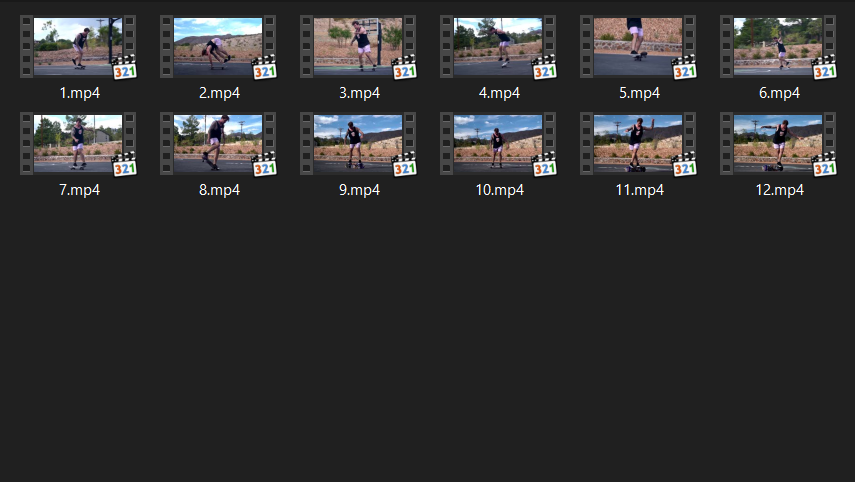
Reference
Import the original clip and set it as the visual guide for timing, poses, and motion arcs.
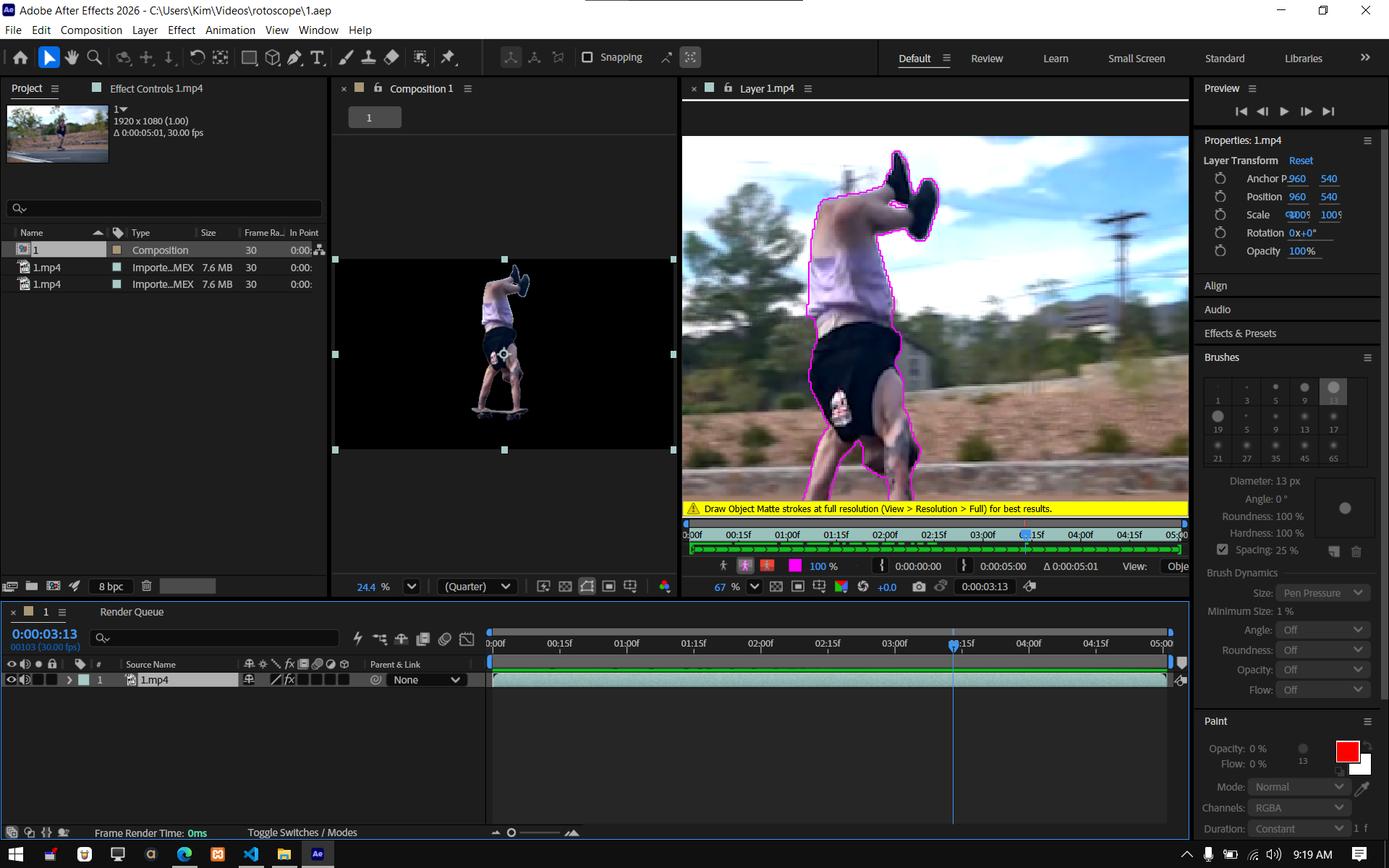
RotoBrush Each Frame
Use Roto Brush to trace the subject, then step through frame-by-frame to correct edges and refine the matte.
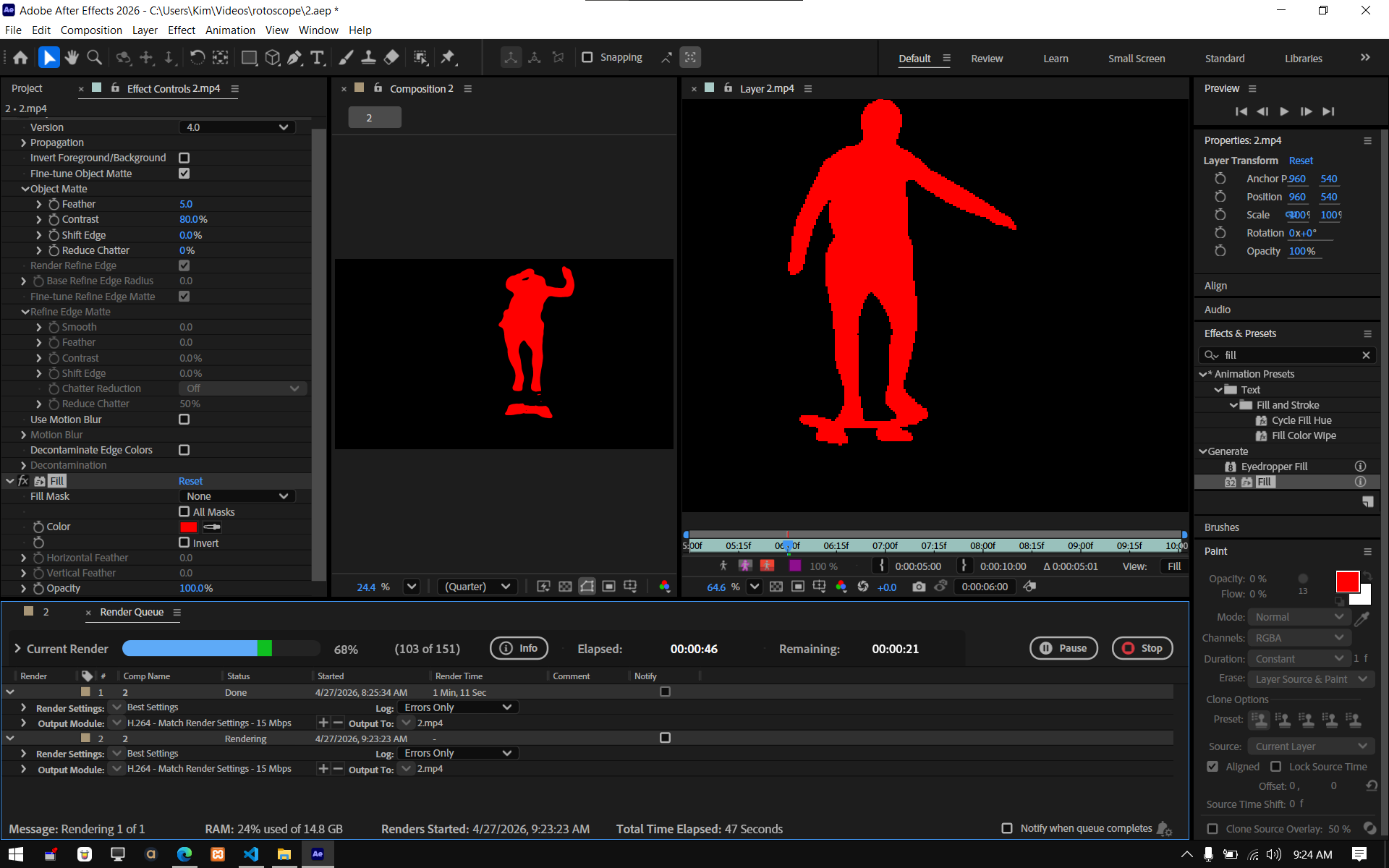
Isolate & Fill
Separate the character from the background, then paint/fill shapes and colors to create the final stylized frames.